Despite everything, it seems that I still don’t fully understand lightmapping in Unity3D. For some reason, I keep getting pieces of geometry that end up looking charred. It’s as if they’re being ignored by the lightmapping process. This is what it looks like from the game view:
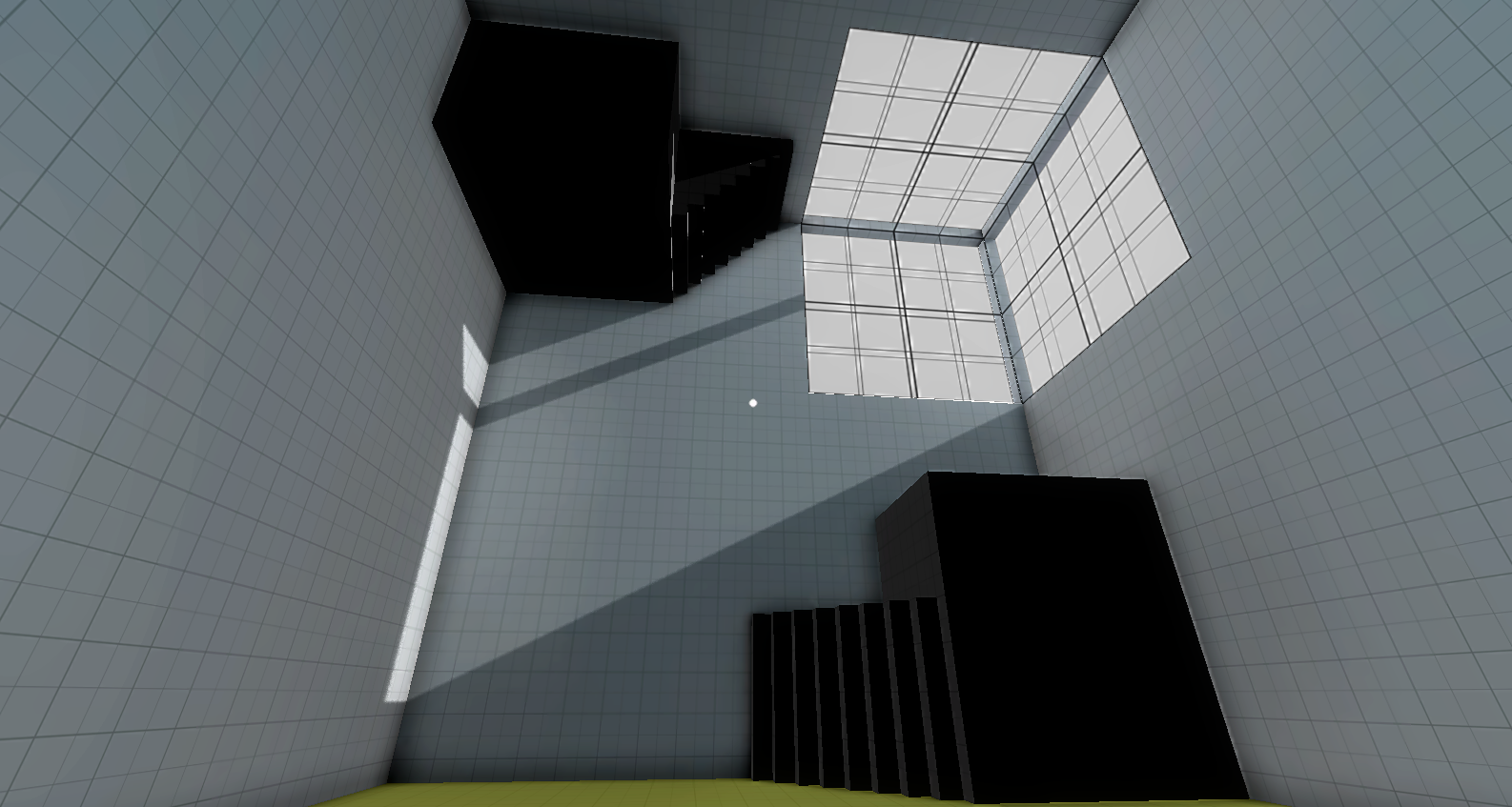
As you can see, the platforms on the upper left and bottom right corners look really dark, as if they weren’t lightmapped.
Here’s what it looks like from the scene view, first without lightmapping applied, and then with lightmapping:
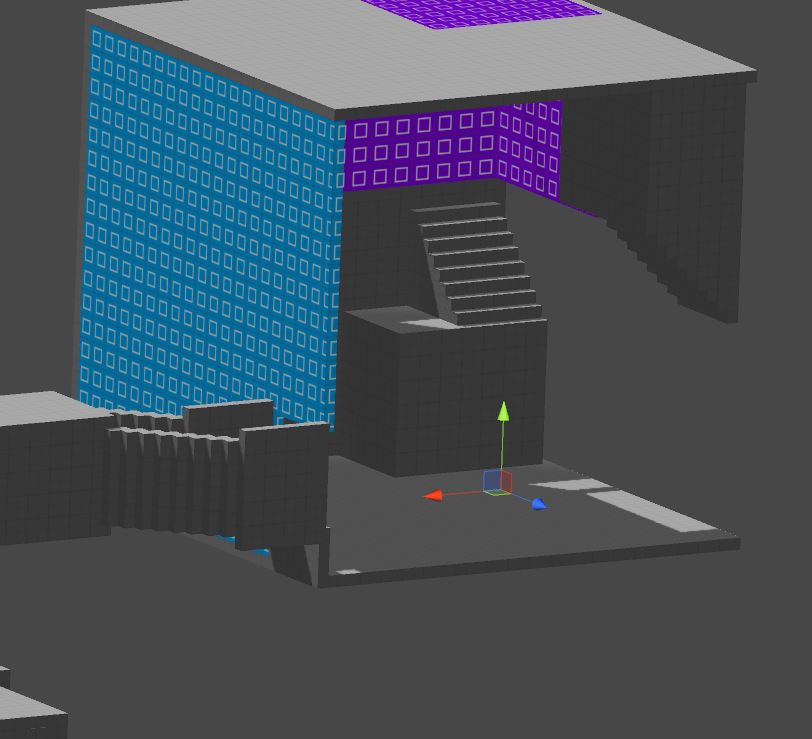

You can see that the same thing happened to the stairs on the left.
I honestly have no idea what’s going on here. This has happened to me several times already. Sometimes, I’ll select the problem geometry, and choose “Bake Selected”, and this will fix the problem. Sometimes, renaming objects can do the trick. However, there hasn’t been a consistent fix that has allowed me to pinpoint the problem.
In any case, here are a few tutorials on Unity lightmapping that I watched this morning while trying to find a solution. None of them helped me solve my problem, but they’re still good for getting a basic overview of lightmapping In Unity:
Beast Lightmapping [UnityQuickTips]
ProBuilder: Super-Optimize Your Scene! (This one is specific to ProBuilder users)